Remember the first time you printed something in 3D?
It was probably a single-color Benchy or a plain little cube. It felt magical at the time, but after a while, a shelf full of gray-and-white prints gets old fast. You start craving models with real personality, real depth, and real color.
That’s where the Best Multicolor 3D Printers finally change the game.
For years, multi-color printing was a headache of clogged nozzles, messy filament swaps, and half-finished parts. But the tech has matured. Modern machines now handle automatic color changes, dual extrusion, and even multi-material setups with far less babysitting.
Whether you want rainbow figurines or dual-material functional parts, there’s now a machine that can actually do it.
We dug through the latest models and confirmed what’s truly reliable on Amazon. This guide breaks down the top picks and explains the differences between mixing hotends, IDEX printers, and the new AMS-style systems.
Here are the Best Multicolor 3D Printers available today, ready to turn your ideas into vibrant, living creations.
Contents
Expert Picks: The Top 5 Multicolor 3D Printers
We selected these products based on their specific technology (AMS vs. IDEX), user reliability ratings, and overall value.
1. Bambu Lab A1 3D Printer
Best Overall for Beginners

If you want a fast, beginner-friendly 3D printer that removes almost all the trial-and-error from printing, the Bambu Lab A1 is one of the easiest machines to recommend.
It’s built for makers who want reliable, high-quality prints with minimal setup and optional multi-color capability.
How It Works: The A1 uses full-auto calibration with active flow rate compensation. When you start a print, it automatically levels the bed and fine-tunes extrusion to maintain consistent quality.
Pair it with the AMS Lite system (sold separately), and it can automatically switch between multiple filament spools during a single print for multi-color results.
What Users Like
- Fully automatic calibration — no manual bed leveling headaches
- Very fast print speeds without sacrificing detail
- Clean, consistent extrusion thanks to active flow compensation
- Quiet operation, making it suitable for home use
- Seamless app integration for remote monitoring
2. Anycubic Kobra 3 Combo
Best Value & Build Volume
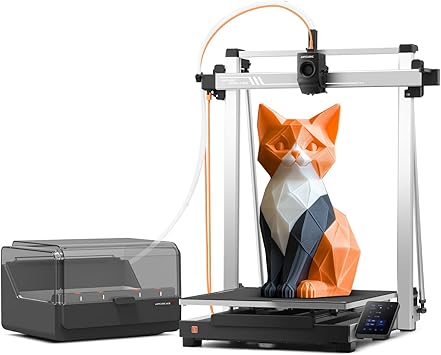
Anycubic has entered the multicolor arena swinging. The Kobra 3 Combo directly challenges Bambu Lab by offering a standard 250mm build size and a drying unit for a competitive price.
How It Works: It comes with the “ACE Pro,” which acts as both an AMS system and a filament dryer. It feeds four colors into a single nozzle, purging the old color into a “poop bucket” before switching.
What Users Like: The ACE Pro is a standout feature because it dries your filament while you print, crucial for preventing brittle prints. Users appreciate the larger build volume compared to the A1 mini. The print quality is surprisingly sharp for a bed-slinger design.
What Users Dislike: The software ecosystem is a bit closed off compared to open-source alternatives. Some users have reported that the purge waste (the plastic poop) can sometimes miss the bucket and clutter the workspace.
3. Sovol SV04 IDEX 3D Printer
Best for Multi-Material & Large Prints

The Sovol SV04 is a beast. It uses IDEX technology, meaning it has two print heads that move independently on the X-axis. This makes it a powerhouse for functional multi-material printing.
How It Works: Instead of swapping filament through one nozzle (which wastes plastic), the SV04 switches between two dedicated nozzles. Nozzle 1 prints the object, then parks, and Nozzle 2 comes in to print supports or a second color.
What Users Like: Mirror and Copy modes allow you to print two models at once, doubling productivity. It has a massive build volume (300x300x400mm). It is the best choice for using soluble supports (PVA) because you don’t risk cross-contamination in the nozzle.
What Users Dislike: Calibration is tricky. You have to align both nozzles perfectly, or your dual-color prints will have gaps. It is a large, heavy machine that dominates a workbench.
4. FLASHFORGE AD5X 3D Printer
Best Enclosed Printer for ABS
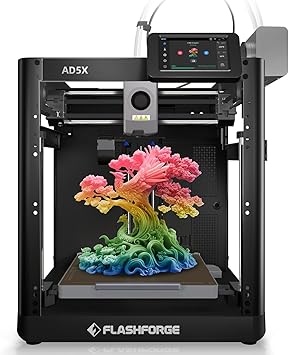
Flashforge has been a staple in classrooms for a reason. The Creator Pro 2 is a classic, fully enclosed IDEX machine that excels at printing difficult materials like ABS and HIPS.
How It Works: Like the Sovol, it uses two independent extruders. However, it is fully enclosed with a top cover and door, trapping heat inside to prevent warping.
What Users Like: It is incredibly reliable for ABS parts. The enclosure keeps temperatures stable, making it one of the Best Multicolor 3D Printers for engineering-grade materials. The “Anti-Scrape” design prevents the inactive nozzle from knocking over your print.
What Users Dislike: The build volume is small compared to modern standards. The proprietary slicing software (FlashPrint) is functional but lacks the advanced features of Cura or OrcaSlicer.
5. Geeetech A20M Mix Color Printer
Best for Artistic Gradients

This printer is unique on this list. It is a “mixing” printer, designed for artists who want to blend colors rather than just switch them.
How It Works: It has two extruders that feed into a single nozzle. You can control the ratio of flow from each extruder. For example, you can mix 50% red and 50% yellow to print in orange.
What Users Like: The ability to create gradients (fading from one color to another) is unmatched. It is very affordable, making it a great entry point for experimenting with color 3D printing. The “Mix-Color” software feature is fun for creating unique vases and art pieces.
What Users Dislike: It requires a lot of tinkering. Since two filaments are melting in one chamber, clogs are more common if you don’t retract correctly. It is not a “plug and play” machine like the Bambu or Anycubic.
Why Switch to Multicolor?
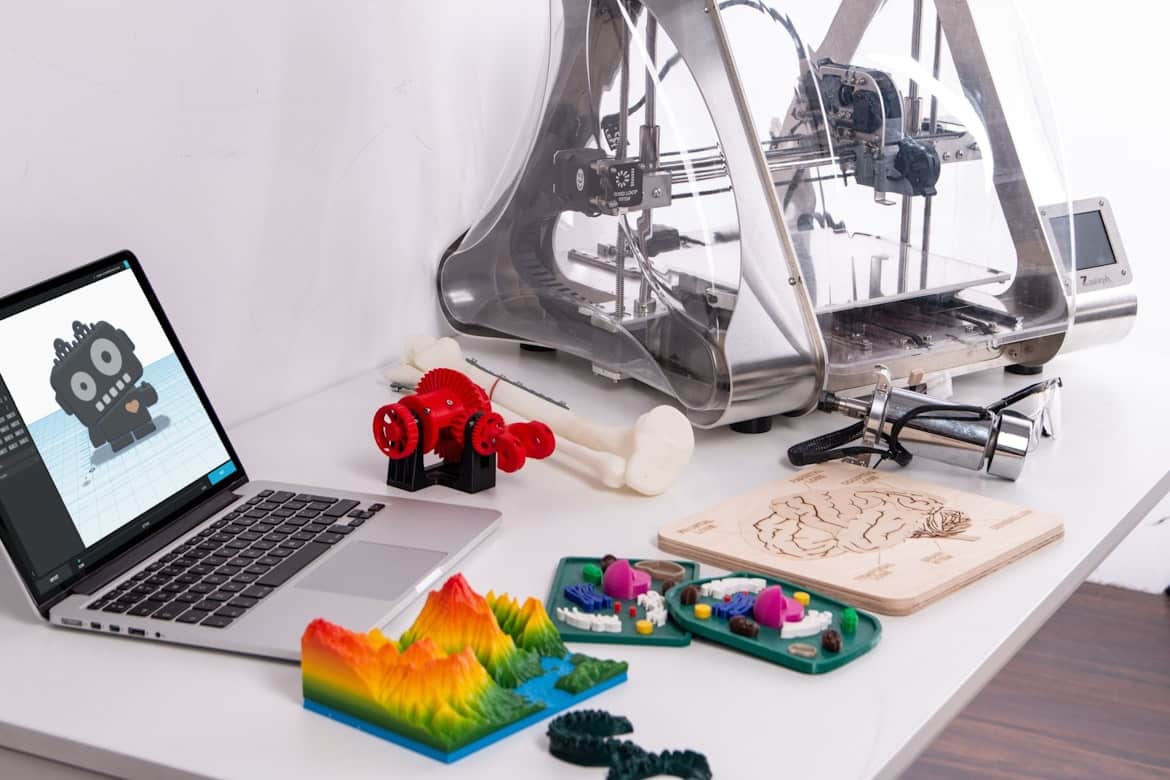
Upgrading isn’t just about prettier prints. A multicolor setup unlocks practical benefits that single-nozzle machines simply can’t touch.
True Multi-Material Capability
One of the biggest advantages is functional printing. With a proper multi-material system, you can run a support material that matches your project. For example, you can pair PLA with PETG supports for cleaner breakaways, or use a soluble support on an advanced IDEX machine for flawless overhangs. Complex geometry becomes way easier to print cleanly.
Less Post-Processing
If you build props, minis, or display pieces, you already know how tedious sanding and painting can be. Color printing skips most of that work. When the base colors come straight off the printer, you often only need a simple clear coat to finish the piece.
Real Productivity Gains
Independent Dual Extruder (IDEX) printers can literally double your output. With “Duplication Mode,” they print two identical parts at the same time. For small shops, Etsy sellers, or anyone running a print farm, this is a huge time-saver and revenue booster.
Buying Guide: Which System Is Right for You?
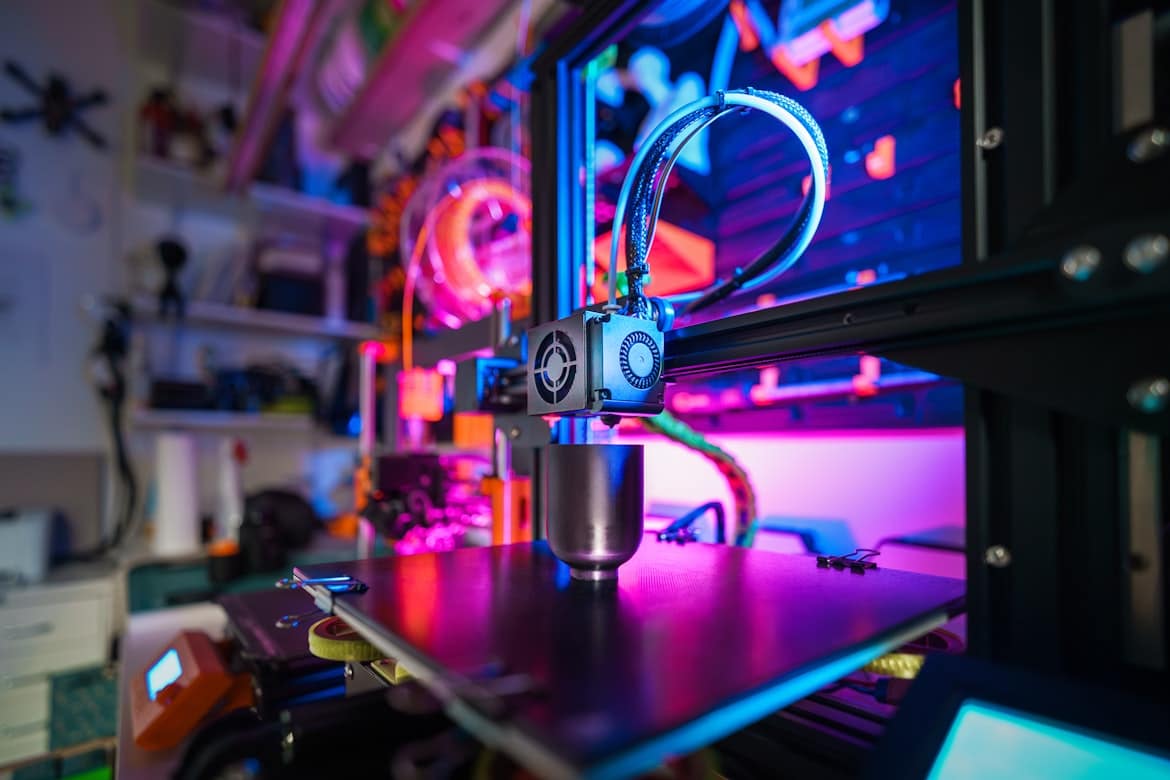
Your choice really depends on how you plan to print. The tech varies a lot, and picking the wrong setup can turn a fun upgrade into a headache.
Single Nozzle with AMS vs. IDEX
This is the biggest fork in the road: an AMS-style system (like Bambu or Anycubic) or an IDEX system (like Sovol).
Go with an AMS setup if:
- You want more than two colors at once (up to four or more).
- You mostly print PLA or PETG and want a smooth, automated workflow.
- You don’t mind a bit of purge waste during color swaps.
Choose IDEX if:
- You need true multi-material printing with soluble supports.
- You want to speed things up using Copy Mode or Mirror Mode.
- You hate wasting filament on purge blocks and prefer cleaner swaps.
The Importance of Drying
PETG, TPU, and even PLA soak up moisture. Wet filament ruins color consistency and layer adhesion. The Anycubic Kobra 3 bundles in a dryer, which is a huge bonus. With other printers, you may need a separate dryer box to keep your colors crisp and your prints strong.
Software Compatibility
Multicolor slicing is trickier than standard prints. You need to “paint” your model to assign colors. Bambu Studio and OrcaSlicer make this simple and intuitive, almost like coloring inside a 3D sketchbook. Older machines can do it too, but the workflow usually takes more tweaking and patience.
Troubleshooting Common Multicolor Issues
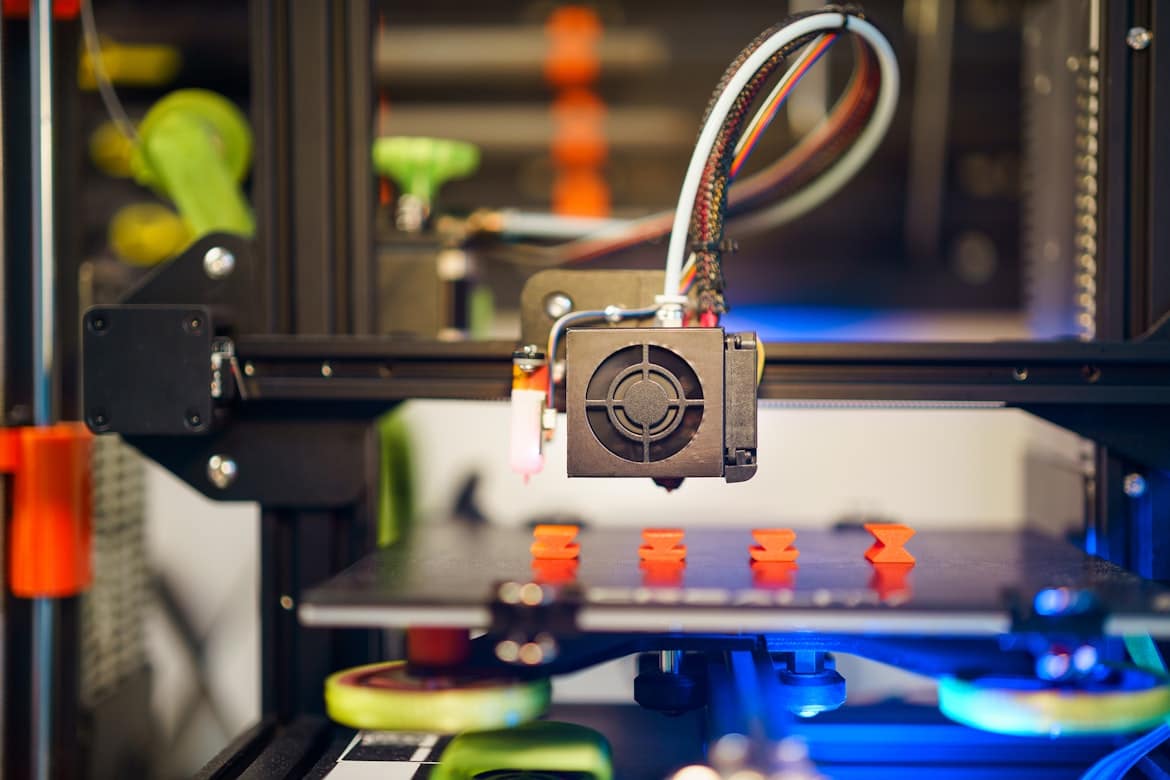
Even the Best Multicolor 3D Printers can struggle if not maintained. Here are the problems real users discuss most.
The “Poop” Pile: AMS printers eject waste filament during swaps. If you don’t have a bucket or chute catch it, it can back up and jam the machine. Always print a “poop chute” accessory as your first upgrade.
Bleeding Colors: In mixing or single-nozzle printers, dark colors can bleed into light ones (e.g., black filament streaking into white). To fix this, increase the “purge volume” in your slicer settings to ensure the nozzle is fully clean before switching.
Tangled Spools: An AMS system retracts filament frequently. If your spool is loosely wound, it can tangle and pause the print. Use high-quality, neatly wound filament spools to avoid waking up to a failed print.
To Wrap Up
The era of painting your 3D prints by hand is officially optional. With the latest technology, you can hit “Print” and wake up to a fully colored masterpiece.
For most users, the Bambu Lab A1 mini offers the most polished experience, making it the top recommendation for hassle-free color. If you need a larger build plate and built-in drying, the Anycubic Kobra 3 is an incredible value. And for the makers who need functional parts with dissolvable supports, the Sovol SV04 remains the heavy-duty champion of the group.
Ready to print in technicolor? Check your desk space, decide if you need dual-material capabilities, and grab one of these top-rated printers to start your colorful journey today.